
Blog / Practical guide
How to analyze a collection of articles with AI
Turn a reading list into a useful research table: define your question, preserve sources, review labels, and explore the results without losing the original evidence.
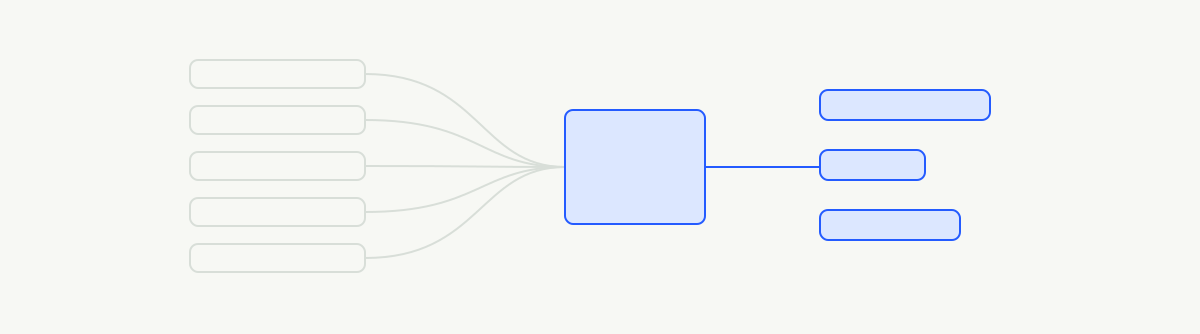
A folder of articles is full of possible answers. The difficult part is deciding what you want to know, and giving each answer a consistent shape.
Imagine you are planning a small balcony garden. You have saved growing guides, product reviews, recipes and design ideas. Your first question is simple: which articles contain practical advice for growing plants in a small space?
That is the illustrative reading-list example on our homepage. The workflow below shows how to turn a mixed collection into something you can inspect.
Start with the question, then choose the fields
Keep one article per record. Useful fields include a stable ID, title, source URL, publication date and the text you have permission to use. Preserve an excerpt or section reference when you want to check exactly where an answer came from.
A source link alone is not the article text. An export may contain only a title or teaser, and a model cannot recover the missing evidence simply because the column is called “article.” Check a few imported records before analysis.
Ask questions with different jobs
For this example, three questions help organize the first pass:
| Question | Answer shape | Why it helps |
|---|---|---|
| Does the article offer practical small-space growing advice? | Yes/no probability | Find the relevant part of the collection |
| What is the main subject? | Gardening, cooking, design, unrelated | Understand what was collected |
| How directly does it address growing in a small space? | Passing mention, partial focus, main focus | Separate a useful guide from a brief reference |
Define the boundaries. A basil recipe mentions a plant, but it is not necessarily growing advice. A patio design article might discuss planters as decoration without explaining how to grow anything.
These independent questions can share the same article input. A later question can use the selected subset—for example, whether a relevant guide focuses on containers, light and watering, or choosing plants. That dependency is a reason for a second stage.
Check examples you expect to be difficult
Review some obvious matches, some clear non-matches and several borderline articles. Include short records, long records and incomplete exports. If the model classifies a recipe as growing advice, look at the question and source text together before changing the cutoff.
A high model probability is not a guarantee of correctness. The threshold in the homepage example is illustrative. Pick a working threshold by reviewing the kinds of mistakes you are willing to accept for your project.
Keep counts grounded in the collection
Once each article has a reviewed label, count those labels with code. You might find that most saved guides concern containers and very few discuss shade. That tells you about your reading list, not the distribution of gardening advice on the internet.
Duplicates matter. If you saved the same guide several times, your counts may describe bookmarks rather than distinct articles. Decide which unit you want and keep the decision visible.
Follow an answer back to its source
A useful research table lets you move in both directions: from a topic to the articles behind it, and from an article to the labels it received. Keep enough source information to check a surprising result.
Then try another angle. You could ask which articles discuss watering frequency or which recommendations assume full sun. Treat a new question as another run, so you can compare it with the earlier work.
Jevreduce is coming soon. You can explore the sample, browse possible integrations, or join the waitlist with your own research idea. This walkthrough uses invented articles and illustrative answers; it is a recipe for getting started, not a measured result.